Tech
Purge malware, pop-ups, bloatware, and digital clutter from your devices.
-
How to Get Rid of Ads on Smart TV: 12 fixes by brand
Read More: How to Get Rid of Ads on Smart TV: 12 fixes by brandHow to get rid of ads on smart TV screens starts with where they come from. Not Netflix, not the channel you’re watching, and not adware you picked up somewhere. They come from the TV’s own software: the banner across the home screen, the preview that starts playing the second you switch on, the “sponsored”…
-

How to Get Rid of Unwanted Emails: 7 ways to purge your email inbox
Your inbox is a battleground. For every email you actually want, there are twelve you don’t: promotional offers from that one-time purchase, newsletters you don’t remember signing up for, random updates from apps you used once and forgot about. The unsubscribe button promises freedom, but does it actually work? Sometimes. Not always. And definitely not…
-
How to Get Rid of Tako on TikTok: 7 ways to shut it down
Getting rid of Tako on TikTok is the question everyone’s asking, and the frustrating answer is that there’s no official off switch. Tako is TikTok’s AI chatbot that hijacks your feed, injects itself into searches, and one Reddit user reported it “lied 5 times about how to get rid of it, then told me to…
-

How to Get Rid Of Shadows in Your Photography: 3 techniques for shadow-free photos
1. Use a Reflector Get a reflector. It’ll solve your shadow problem for portraits, still lifes, macro shots, and anything else where you can get close to the subject. The job of a reflector is simple: bounce light back into the shadowy side of your subject so one half doesn’t turn into a void. Hold…
-

How to Get Rid Of Voice Mail: 7 steps to turn off voicemail
Voicemail made sense when text messages cost money. Now it’s just the digital equivalent of someone leaving you homework. You’ve got WhatsApp, iMessage, Slack, and twelve other ways for people to reach you instantly. If someone can’t text you, that’s their problem to solve. Getting rid of voicemail isn’t always straightforward (carriers like having it…
-
How to Get Rid Of Apple's Default Apps: 4 ways to clear out Apple bloatware
Apple ships every iPhone with two dozen apps you never asked for. Some you can delete. Some you can’t. Here’s how to deal with both. 1. Delete the ones Apple actually lets you remove Press and hold any app icon until everything starts wiggling. Tap the minus sign on the unwanted app (Mail, Weather, Stocks,…
-
How to Get Rid Of a Toolbar: 2 steps to remove a browser toolbar
Most toolbars are fine. They make navigation easier, give you quick access to bookmarks, and generally stay out of the way. But then there’s the other kind: the ones you didn’t ask for. These show up after you installed some free PDF converter or downloaded something sketchy, and suddenly you’ve got three search bars you’ve…
-
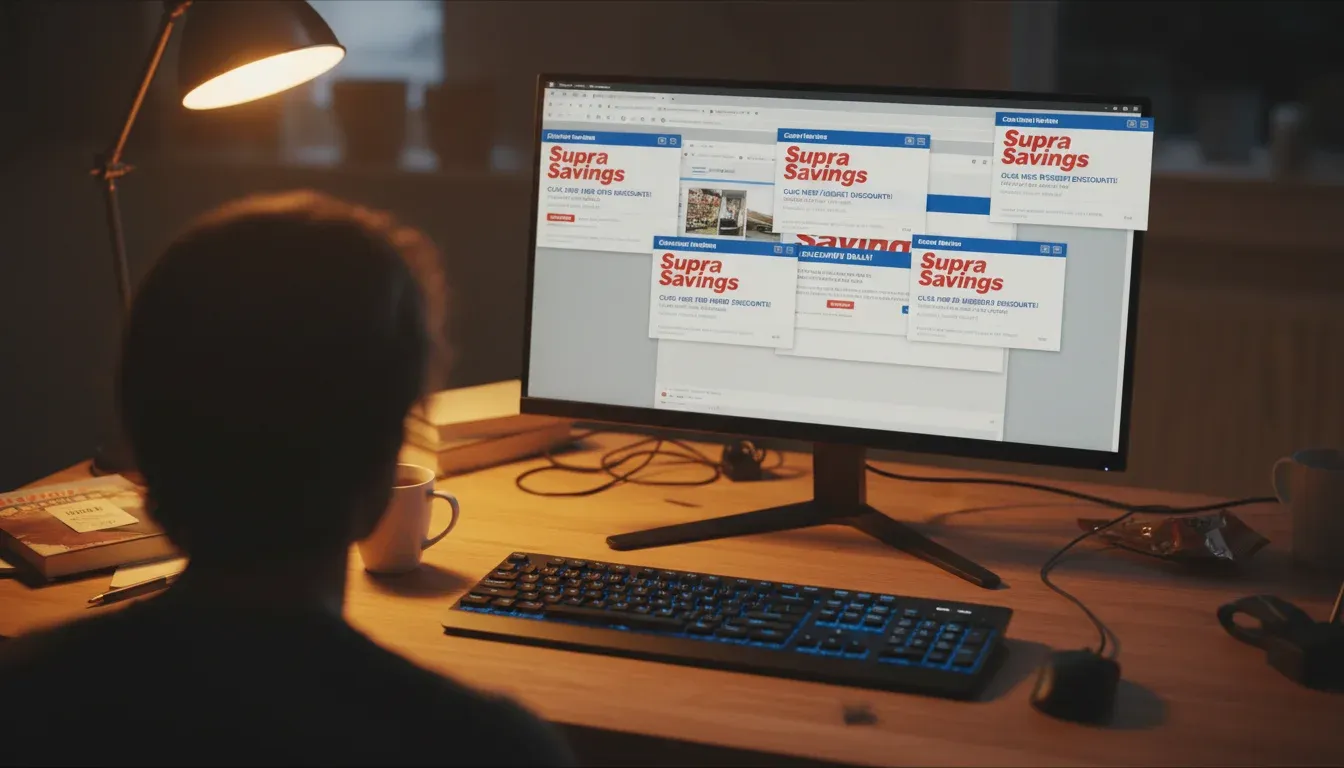
How to Get Rid Of Supra Savings Ads: 2 steps to uninstall Supra Savings adware
Supra Savings is adware masquerading as a helpful browser extension. It looks legitimate enough to trick you into clicking, then floods your browser with pop-up ads. Once you click one of those ads, it downloads more junk to your PC without asking. Getting rid of it takes two steps: remove the program itself, then clean…
-
How to Get Rid Of Cookies: 3 ways to clear cookies from your browser
Browser cookies track everywhere you go online. Every site you visit, every login, every shopping cart. They’re useful for keeping you logged in and loading pages faster, but they’re also a running diary of your browsing habits that advertisers would love to get their hands on. Clearing them regularly is basic privacy hygiene. Yes, you’ll…
-
How to Get Rid Of Malware: 2 steps to scan and remove malware
Malware’s a broad term for anything that sneaks onto your computer to steal data, crash systems, or generally mess things up. It comes from sketchy downloads, infected email attachments, compromised websites. One infected file can do multiple types of damage at once. Here’s how to clean it out. 1. Before Going In Back up your…