Tech
Purge malware, pop-ups, bloatware, and digital clutter from your devices.
-
How to Get Rid of Ads on Smart TV: 12 fixes by brand
Read More: How to Get Rid of Ads on Smart TV: 12 fixes by brandHow to get rid of ads on smart TV screens starts with where they come from. Not Netflix, not the channel you’re watching, and not adware you picked up somewhere. They come from the TV’s own software: the banner across the home screen, the preview that starts playing the second you switch on, the “sponsored”…

-
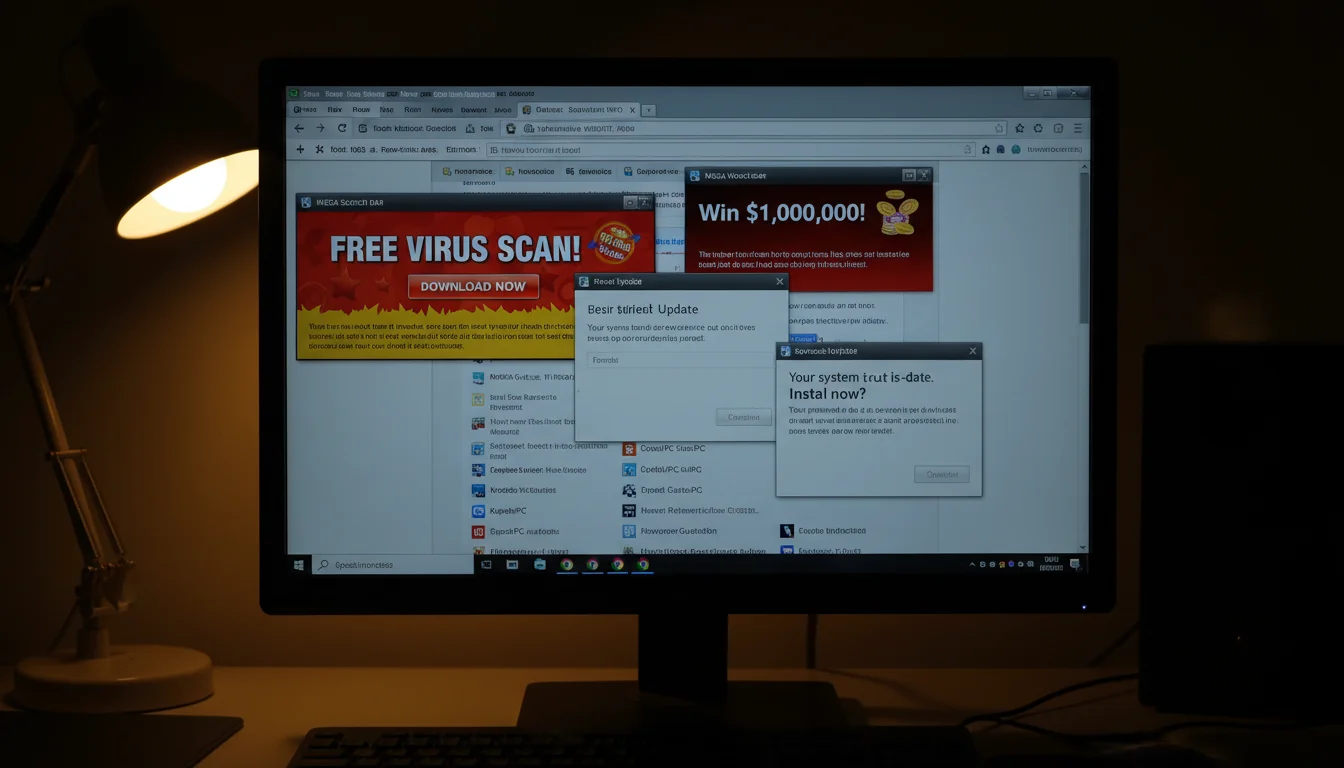
How to Get Rid Of Adware: 10 steps to scrub your device clean
Pop-up ads, browser redirects, toolbars you never installed, sluggish performance out of nowhere. If your machine’s suddenly acting like it has a second job serving you ads, you’ve got adware. Here’s how to kill it. 1. Run a Full Antivirus Scan The most reliable first move. If you already have antivirus software (Norton, Bitdefender, Windows…
-

How to Get Rid Of Pop-ups: 2 ways to block intrusive pop-ups
Pop-ups are the internet’s most persistent annoyance. You close one, three more appear. They blast music at you. They promise you’ve won something you definitely haven’t won. And they always show up when you’re trying to actually get something done. Two approaches will fix this. Use both. 1. Pop-up Blocker Browser extensions exist specifically to…
-
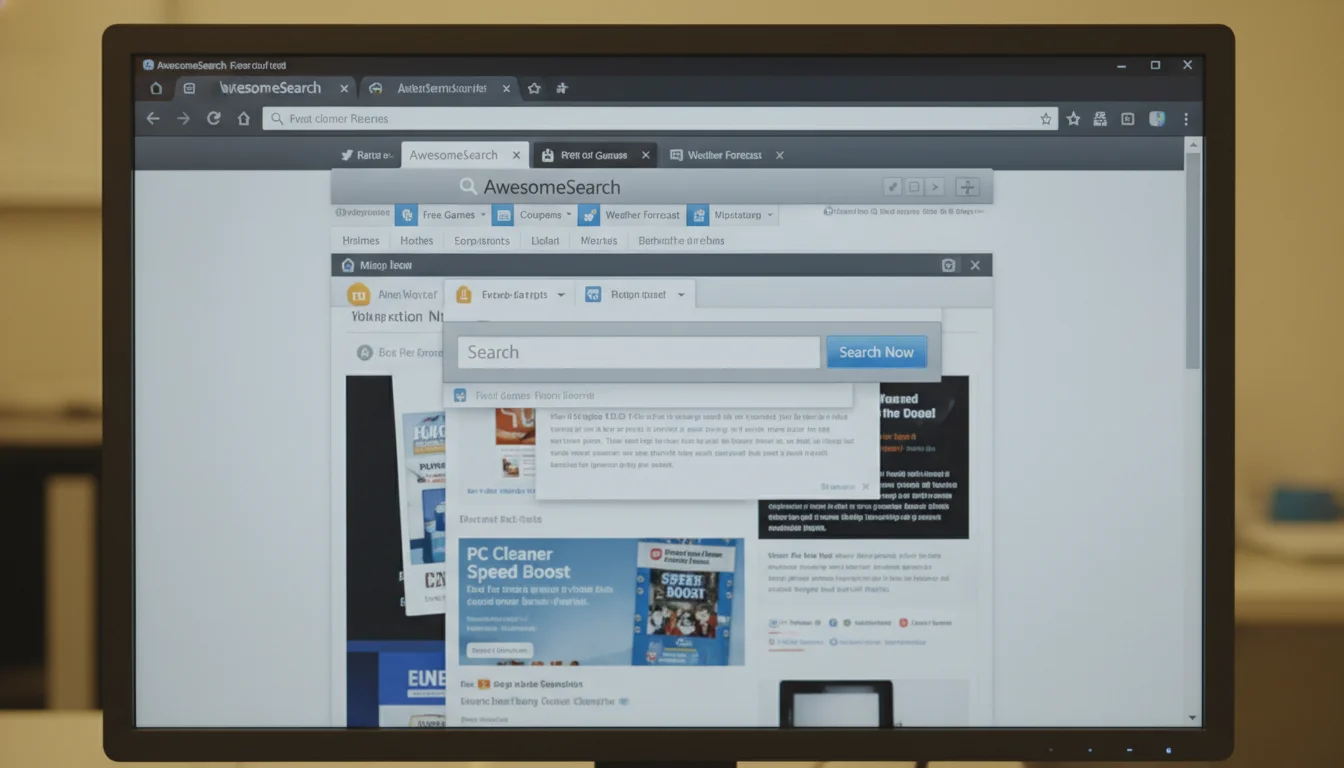
How to Get Rid Of Avg Secure Search: 4 steps to restore your browser settings
AVG Secure Search is one of those bundled programs that sneaks onto your PC when you’re clicking “Next” through a freeware installer too fast. It’s not malicious, but you didn’t ask for it and don’t want it cluttering your browser. Here’s how to kick it out. 1. Disabling AVG Secure Search in Internet Explorer Click…
-
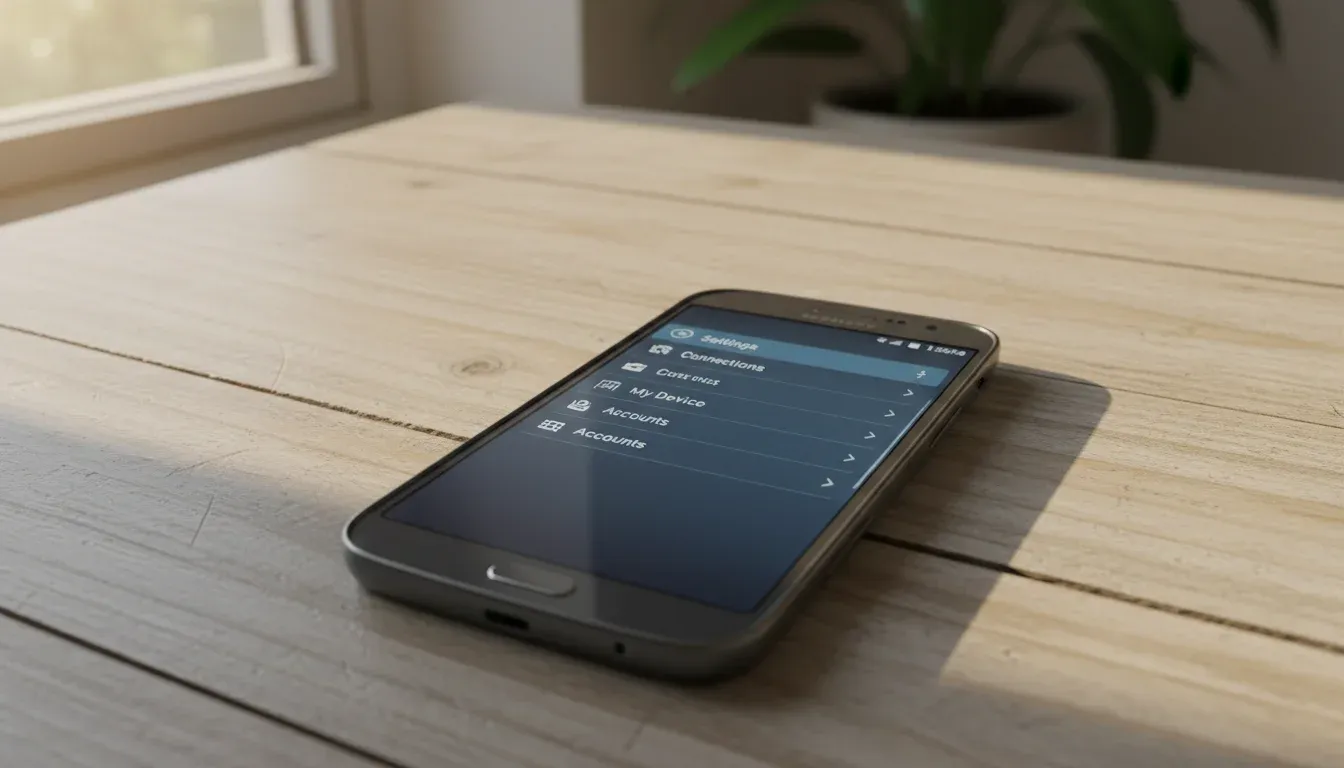
How to Get Rid Of Data on a Samsung Galaxy Note Ii: 2 ways to wipe your Galaxy Note II
Wiping a Samsung Galaxy Note II completely erases your data. Which is the point, but also means you need to back things up first unless you’re trying to forget your ex’s number. 1. Back Up First (Unless You’re Vengeful) Once you factory reset this thing, your contacts, photos, videos, apps, and that three-year-old grocery list…
-
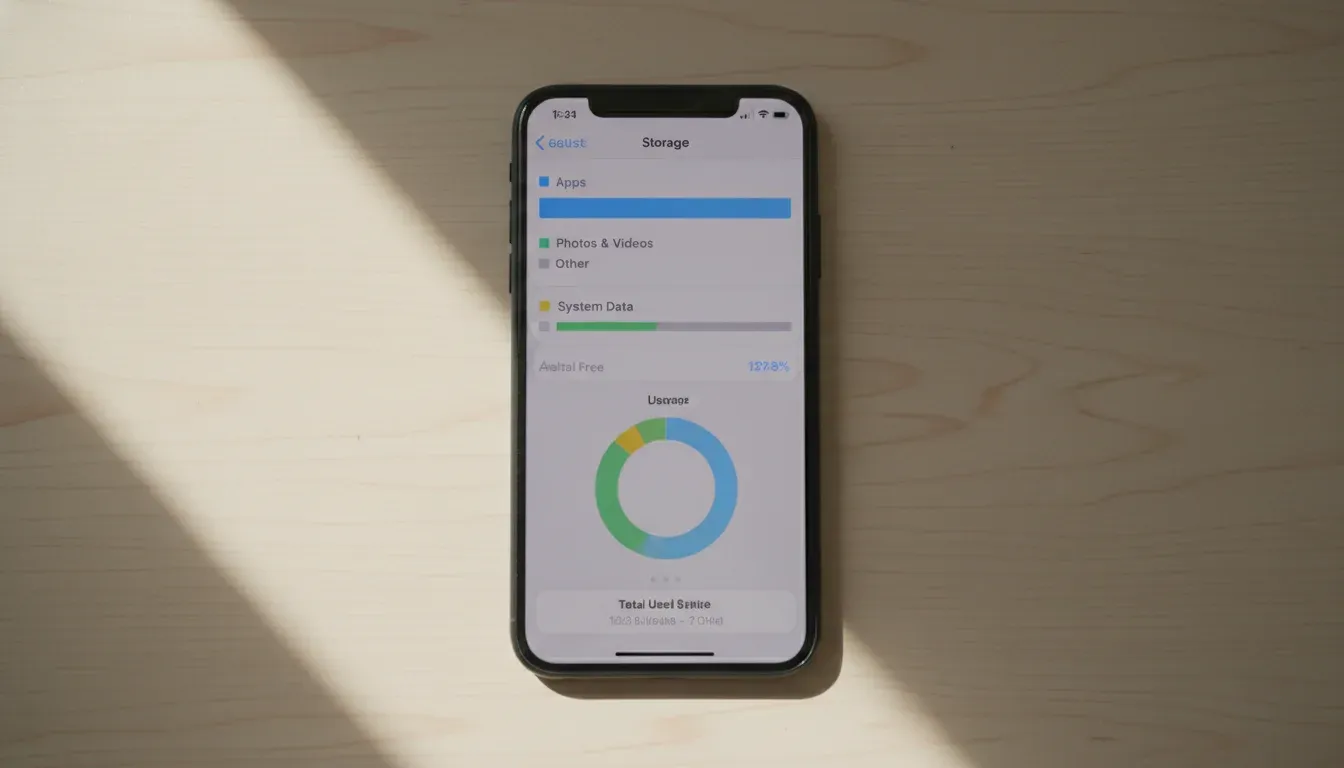
How to Get Rid Of Data on an Iphone: 2 ways to securely erase your iPhone
Selling your iPhone or handing it down? You need to wipe it completely. Not just delete a few apps (that’s pointless), but nuke everything so the next person doesn’t get your photos, passwords, and embarrassing browser history. This is permanent. Once you erase an iPhone, that data is gone forever. Back up anything you want…
-
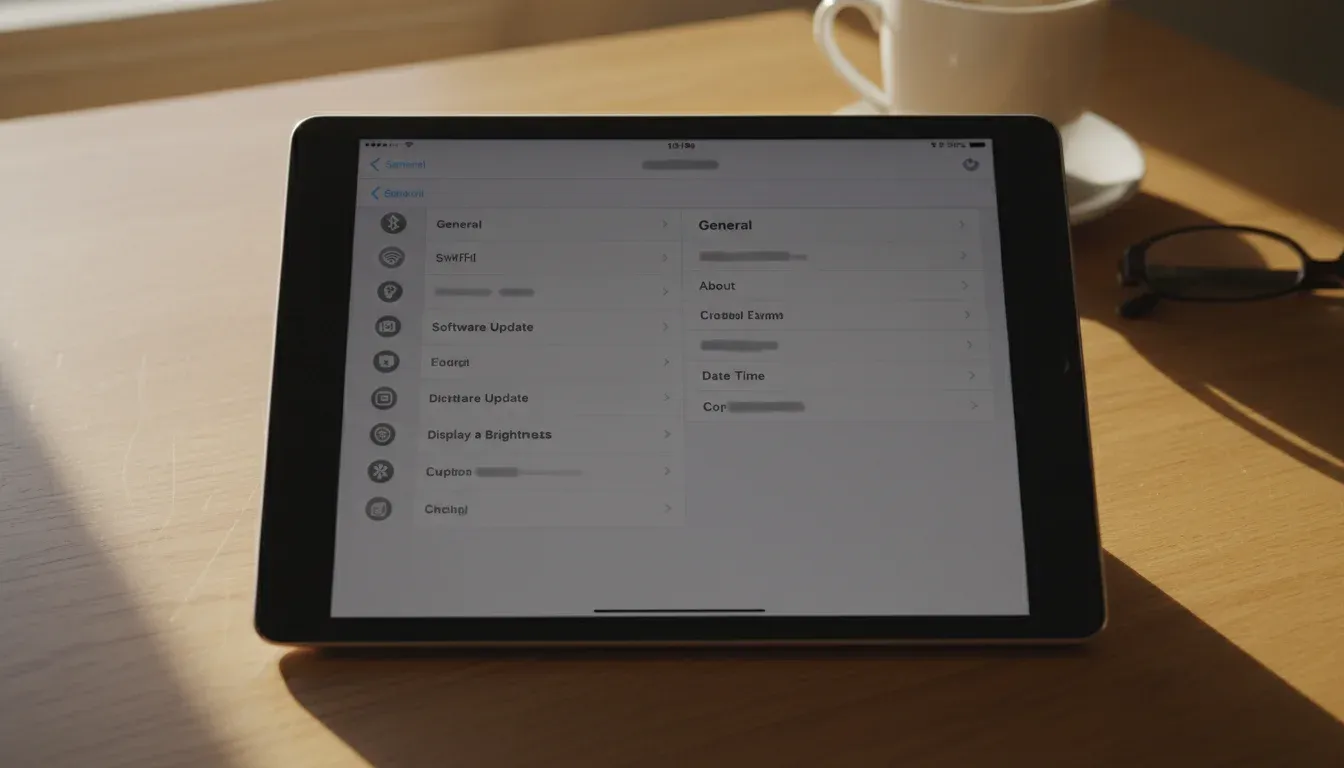
How to Get Rid Of Personal Data on an Ipad: 9 steps to securely erase your iPad
Selling your iPad? Handing it off to a relative? Everything you’ve ever done on that thing is still sitting there. Your emails, your photos, your saved passwords, your browsing history (all of it). A factory reset alone won’t cut it if you skip the important steps beforehand. Apple buries these options across multiple menus, so…
-

How to Get Rid Of a Computer Virus: 7 steps to a clean PC
Your computer’s crawling like it’s stuck in molasses, pop-ups are breeding faster than you can close them, and error messages keep interrupting whatever you were trying to do. That’s malware, and probably a computer virus. Viruses spread through email attachments, sketchy downloads, infected USB sticks, and links that look legitimate right up until they aren’t.…
-
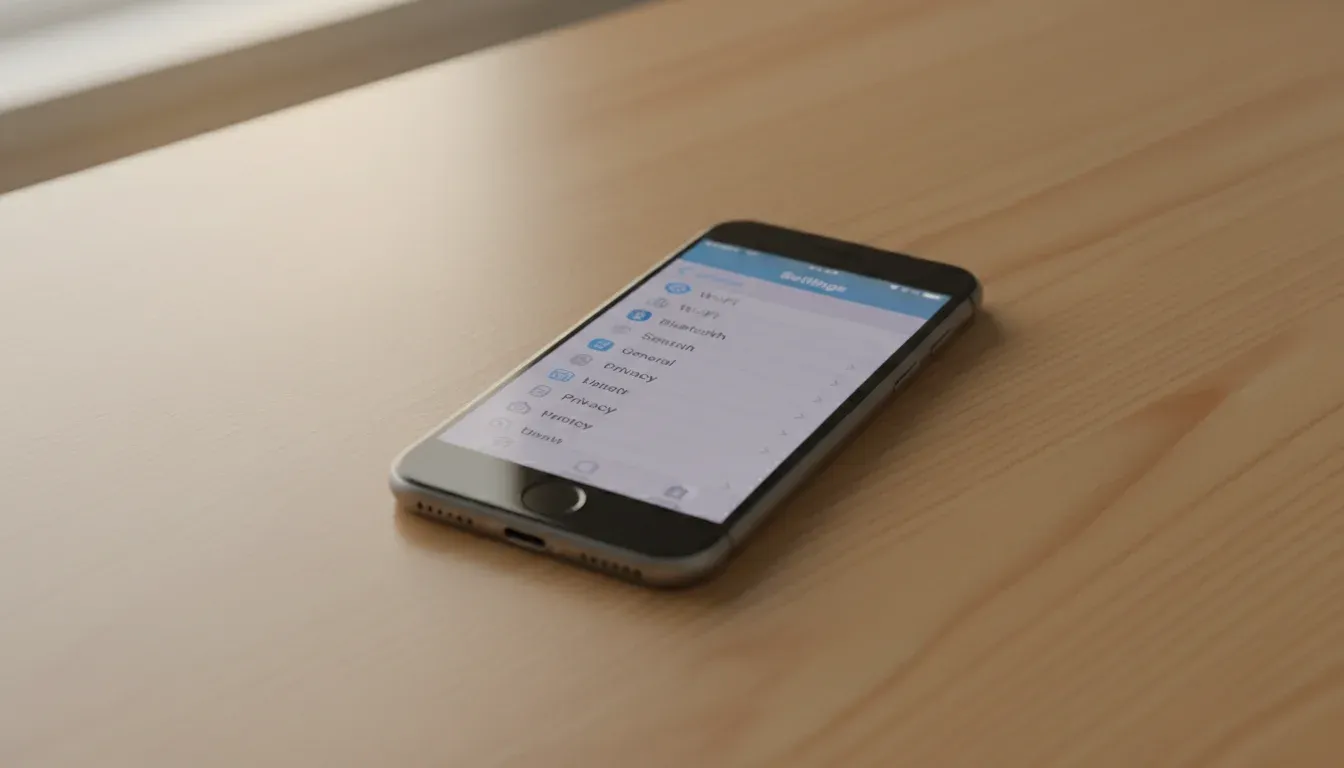
How to Get Rid Of Personal Data off Your Iphone: 9 ways to wipe your iPhone clean
Your iPhone knows more about you than most of your friends do. Passwords, banking apps, photos you forgot existed, that text thread you definitely don’t want a stranger reading. And if you’re selling, trading in, or giving away the phone, all of that goes with it unless you strip it out first. A factory reset…